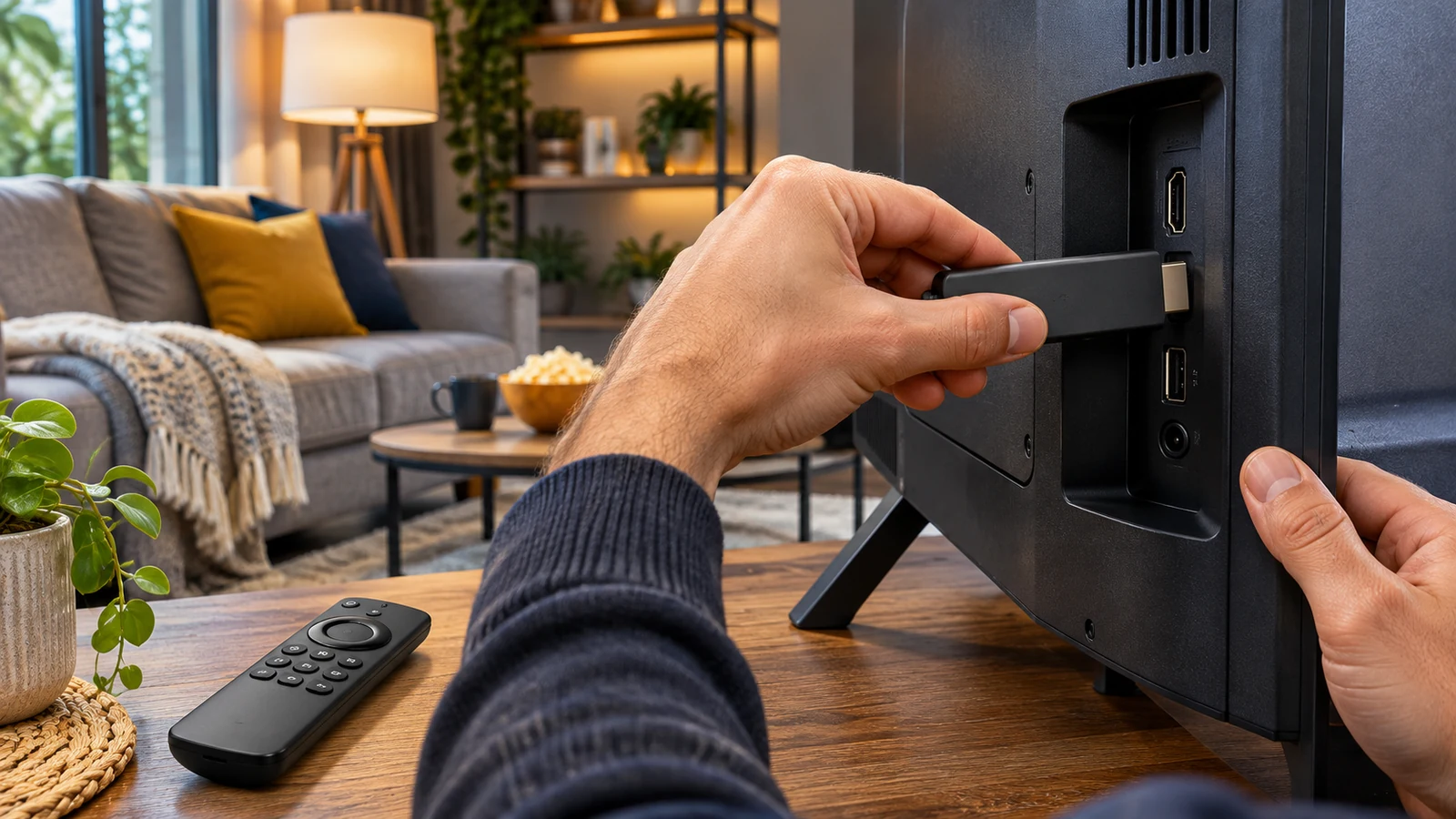
Checking IPTV Smarters Pro Setup on Fire TV Stick
28 octobre 2026 · 7 min · The IPTV Team
App listings, menus and installation methods can change by device model, region and software version. Begin by searching the Fire TV app store and checking the publisher’s current guidance. Installing software from outside an official store can carry security risks; only use a source you can verify and understand the permissions involved.
Before you install a player
Confirm that the app is available for your Fire TV model and that it accepts the playlist or account format you were given. The player is separate from the content source: it does not supply channels or establish that a stream is authorized. Keep your login details and playlist URL private.
Step 1: Check the Fire TV listing
Open the app store on your device and search for the player. Review the publisher name, compatibility details, permissions and any fee shown. If it is not listed, consult the publisher’s official support information before considering another installation method.
Step 2: Follow the publisher’s setup
Install the app using the instructions provided for your version. Menus may differ, so do not rely on old directions that ask you to change security settings or download an APK from an unverified site. If a publisher no longer supports your model, consider a currently supported player from an official store.
Step 3: Add your playlist or account
Choose a connection method supported by both the app and your provider, then enter the details carefully. Guide data and channel lists depend on the source. If nothing loads, check for typing errors and confirm the account is active with the provider. The app publisher can help with software issues.
- Network: confirm the Fire TV is connected and other apps can reach the internet.
- Playback: use only picture options supported by the device, app and source.
- Privacy: do not post credentials, playlist URLs or device identifiers publicly.
If setup does not work
Note the Fire TV model, app version and any error message. Contact the publisher about installation and the content provider about playlist or account access. For other app choices, see our player app comparison guide.
Install a player on Fire TV
Fire TV menus and app catalogues can vary by model, region and software version. Start by searching the built-in store and checking the exact publisher name, update date and permissions. Current device guidance is available from Amazon. A player does not automatically supply channels; you need a separate, lawful and compatible content source.
After installing through a verifiable route, follow the publisher’s directions to add your information. Never share a screenshot containing a code, account name or playlist URL. If the store no longer lists the app, look for a current developer notice instead of downloading an unknown file. Check free storage, updates and hardware compatibility before changing methods. Then test favourites, audio, subtitles and remote navigation.
Build a choice around your household
A useful decision is more than a channel list or a promise of picture quality. Describe a typical week: who watches the news, whether children use the television, which events must be watched live and how many screens are active in the evening. This snapshot helps avoid paying for features nobody uses and reveals which needs household members share. Separate regular habits from occasional interests, such as a major tournament or a new series. You can then compare services over a period that reflects real use. Set a few measurable criteria. List priority programmes, the main device, subtitle languages, accessibility options, simultaneous streams and an annual budget ceiling. Distinguish the player app, internet connection and company supplying the content. This matters when deciding whom to contact, who processes account details and who must hold distribution rights. If an offer does not make these roles clear, wait for a direct answer before committing.
Verify details before subscribing
Offer pages change faster than general guides. When comparing, open the provider’s official page, check the terms’ date or version and save a record of what was offered. Note the regular price after a discount, billing frequency, renewal date, trial period and cancellation steps. Find out whether hardware is rented, purchased or billed separately and whether setup fees are refundable. If several services are needed for one programme, calculate their combined cost rather than comparing each subscription in isolation. A simple grid makes the comparison verifiable. Use one row per service and columns for twelve-month cost, programmes, number of screens, supported devices, support, rights and exit terms. Add the date you checked because an offer can change later. If prices are shown in another currency, convert them at purchase time and check possible bank fees. Do not rely on an old advert or screenshot. The seller’s contract terms take precedence over summaries, and a reputable service should answer questions about billing and content.
Run a sensible trial and protect your data
If the provider offers a trial or demo, use it to check what matters: connection in the intended room, remote navigation, subtitle availability, stability at busy times and operation on each planned device. Try an ordinary viewing period, not only a short clip. Record errors and ask support if they persist. A demo cannot guarantee identical quality in every condition, but it can reveal obvious incompatibilities before a longer commitment. Protect account information as well. Choose a unique password, enable available security features and do not post credentials or playlist links publicly. Before adding a payment method, understand the first billing date and cancellation process. Remove devices you no longer own and review privacy terms. These steps reduce unexpected charges and access by others, while making support easier if you need to report a problem.
Build a choice around your household
A useful decision is more than a channel list or a promise of picture quality. Describe a typical week: who watches the news, whether children use the television, which events must be watched live and how many screens are active in the evening. This snapshot helps avoid paying for features nobody uses and reveals which needs household members share. Separate regular habits from occasional interests, such as a major tournament or a new series. You can then compare services over a period that reflects real use. Set a few measurable criteria. List priority programmes, the main device, subtitle languages, accessibility options, simultaneous streams and an annual budget ceiling. Distinguish the player app, internet connection and company supplying the content. This matters when deciding whom to contact, who processes account details and who must hold distribution rights. If an offer does not make these roles clear, wait for a direct answer before committing.
Verify details before subscribing
Offer pages change faster than general guides. When comparing, open the provider’s official page, check the terms’ date or version and save a record of what was offered. Note the regular price after a discount, billing frequency, renewal date, trial period and cancellation steps. Find out whether hardware is rented, purchased or billed separately and whether setup fees are refundable. If several services are needed for one programme, calculate their combined cost rather than comparing each subscription in isolation. A simple grid makes the comparison verifiable. Use one row per service and columns for twelve-month cost, programmes, number of screens, supported devices, support, rights and exit terms. Add the date you checked because an offer can change later. If prices are shown in another currency, convert them at purchase time and check possible bank fees. Do not rely on an old advert or screenshot. The seller’s contract terms take precedence over summaries, and a reputable service should answer questions about billing and content.
Run a sensible trial and protect your data
If the provider offers a trial or demo, use it to check what matters: connection in the intended room, remote navigation, subtitle availability, stability at busy times and operation on each planned device. Try an ordinary viewing period, not only a short clip. Record errors and ask support if they persist. A demo cannot guarantee identical quality in every condition, but it can reveal obvious incompatibilities before a longer commitment. Protect account information as well. Choose a unique password, enable available security features and do not post credentials or playlist links publicly. Before adding a payment method, understand the first billing date and cancellation process. Remove devices you no longer own and review privacy terms. These steps reduce unexpected charges and access by others, while making support easier if you need to report a problem.
Build a choice around your household
A useful decision is more than a channel list or a promise of picture quality. Describe a typical week: who watches the news, whether children use the television, which events must be watched live and how many screens are active in the evening. This snapshot helps avoid paying for features nobody uses and reveals which needs household members share. Separate regular habits from occasional interests, such as a major tournament or a new series. You can then compare services over a period that reflects real use. Set a few measurable criteria. List priority programmes, the main device, subtitle languages, accessibility options, simultaneous streams and an annual budget ceiling. Distinguish the player app, internet connection and company supplying the content. This matters when deciding whom to contact, who processes account details and who must hold distribution rights. If an offer does not make these roles clear, wait for a direct answer before committing.
Verify details before subscribing
Offer pages change faster than general guides. When comparing, open the provider’s official page, check the terms’ date or version and save a record of what was offered. Note the regular price after a discount, billing frequency, renewal date, trial period and cancellation steps. Find out whether hardware is rented, purchased or billed separately and whether setup fees are refundable. If several services are needed for one programme, calculate their combined cost rather than comparing each subscription in isolation. A simple grid makes the comparison verifiable. Use one row per service and columns for twelve-month cost, programmes, number of screens, supported devices, support, rights and exit terms. Add the date you checked because an offer can change later. If prices are shown in another currency, convert them at purchase time and check possible bank fees. Do not rely on an old advert or screenshot. The seller’s contract terms take precedence over summaries, and a reputable service should answer questions about billing and content.
Run a sensible trial and protect your data
If the provider offers a trial or demo, use it to check what matters: connection in the intended room, remote navigation, subtitle availability, stability at busy times and operation on each planned device. Try an ordinary viewing period, not only a short clip. Record errors and ask support if they persist. A demo cannot guarantee identical quality in every condition, but it can reveal obvious incompatibilities before a longer commitment. Protect account information as well. Choose a unique password, enable available security features and do not post credentials or playlist links publicly. Before adding a payment method, understand the first billing date and cancellation process. Remove devices you no longer own and review privacy terms. These steps reduce unexpected charges and access by others, while making support easier if you need to report a problem.
Build a choice around your household
A useful decision is more than a channel list or a promise of picture quality. Describe a typical week: who watches the news, whether children use the television, which events must be watched live and how many screens are active in the evening. This snapshot helps avoid paying for features nobody uses and reveals which needs household members share. Separate regular habits from occasional interests, such as a major tournament or a new series. You can then compare services over a period that reflects real use. Set a few measurable criteria. List priority programmes, the main device, subtitle languages, accessibility options, simultaneous streams and an annual budget ceiling. Distinguish the player app, internet connection and company supplying the content. This matters when deciding whom to contact, who processes account details and who must hold distribution rights. If an offer does not make these roles clear, wait for a direct answer before committing.
Verify details before subscribing
Offer pages change faster than general guides. When comparing, open the provider’s official page, check the terms’ date or version and save a record of what was offered. Note the regular price after a discount, billing frequency, renewal date, trial period and cancellation steps. Find out whether hardware is rented, purchased or billed separately and whether setup fees are refundable. If several services are needed for one programme, calculate their combined cost rather than comparing each subscription in isolation. A simple grid makes the comparison verifiable. Use one row per service and columns for twelve-month cost, programmes, number of screens, supported devices, support, rights and exit terms. Add the date you checked because an offer can change later. If prices are shown in another currency, convert them at purchase time and check possible bank fees. Do not rely on an old advert or screenshot. The seller’s contract terms take precedence over summaries, and a reputable service should answer questions about billing and content.
Run a sensible trial and protect your data
If the provider offers a trial or demo, use it to check what matters: connection in the intended room, remote navigation, subtitle availability, stability at busy times and operation on each planned device. Try an ordinary viewing period, not only a short clip. Record errors and ask support if they persist. A demo cannot guarantee identical quality in every condition, but it can reveal obvious incompatibilities before a longer commitment. Protect account information as well. Choose a unique password, enable available security features and do not post credentials or playlist links publicly. Before adding a payment method, understand the first billing date and cancellation process. Remove devices you no longer own and review privacy terms. These steps reduce unexpected charges and access by others, while making support easier if you need to report a problem.
Ready to enjoy IPTV?