
IPTV subscriptions: how to check whether a service is legal
13 novembre 2026 · 9 min · The IPTV Team
IPTV describes a way to deliver television over the internet. The term alone says nothing about whether a subscription is lawful. An internet provider’s TV box, an official channel app and a licensed streaming platform may all use internet delivery. By contrast, a service that redistributes paid channels without the rights holders’ permission is unauthorized—even if its app works, you pay for it or the seller supplies a device.
That distinction is the useful starting point when comparing services. 01net’s guide to IPTV, subscriptions and risks explains the technology and common viewer questions. For the legal principle, ARCOM’s guidance on legal offers and piracy explains that protected content must be distributed with the rights holders’ authorization.
IPTV is a technology, not a licence
IPTV stands for “Internet Protocol Television”: programmes reach your screen through an internet connection rather than an antenna, cable or satellite feed. Internet providers have used this method for years through set-top boxes. Licensed services also stream live channels, catch-up programmes and on-demand video through their apps. So the technical format—an app, M3U playlist, set-top box or Smart TV—does not tell you whether a programme is authorized.
The key question is more specific: does the business offering the stream have permission to retransmit those channels or programmes in your country, through the type of access it is selling? Rights may depend on territory, term, delivery method and audience. Article L132-20 of France’s Intellectual Property Code, for example, makes clear that permission to broadcast does not automatically cover every form of retransmission.
How to review an offer before paying
First identify the seller: company name, contact details, terms, total price, duration, renewal and cancellation process. These details do not prove that the seller holds the rights, but without them it is difficult to verify the service or make a complaint. Ask who supplies the channels and where the seller explains its broadcasting rights. A credible provider should be able to answer clearly rather than asking you to trust a vague promise.
- Check where the channels come from. A channel logo or name on a list is not evidence of a licence.
- Compare the promise with the price. A huge bundle of paid channels, recent films and major sports for only a few euros is a warning sign worth investigating.
- Read the terms. Look for the contracting business, territory, permitted devices, simultaneous screens, renewal and refund rules.
- Avoid opaque payments. Be cautious if the seller accepts only hard-to-dispute transfers or pressures you to pay through a messenger.
- Use an independent source. ARCOM provides information on legal offers and piracy.
A free trial, responsive support, good picture quality or card payment can help you assess the customer experience, but none replaces broadcasting rights. Installing a popular player does not legitimize a playlist with an unclear source. The app plays the streams it receives; it generally does not check the licence behind each channel.
Risks of an unauthorized service
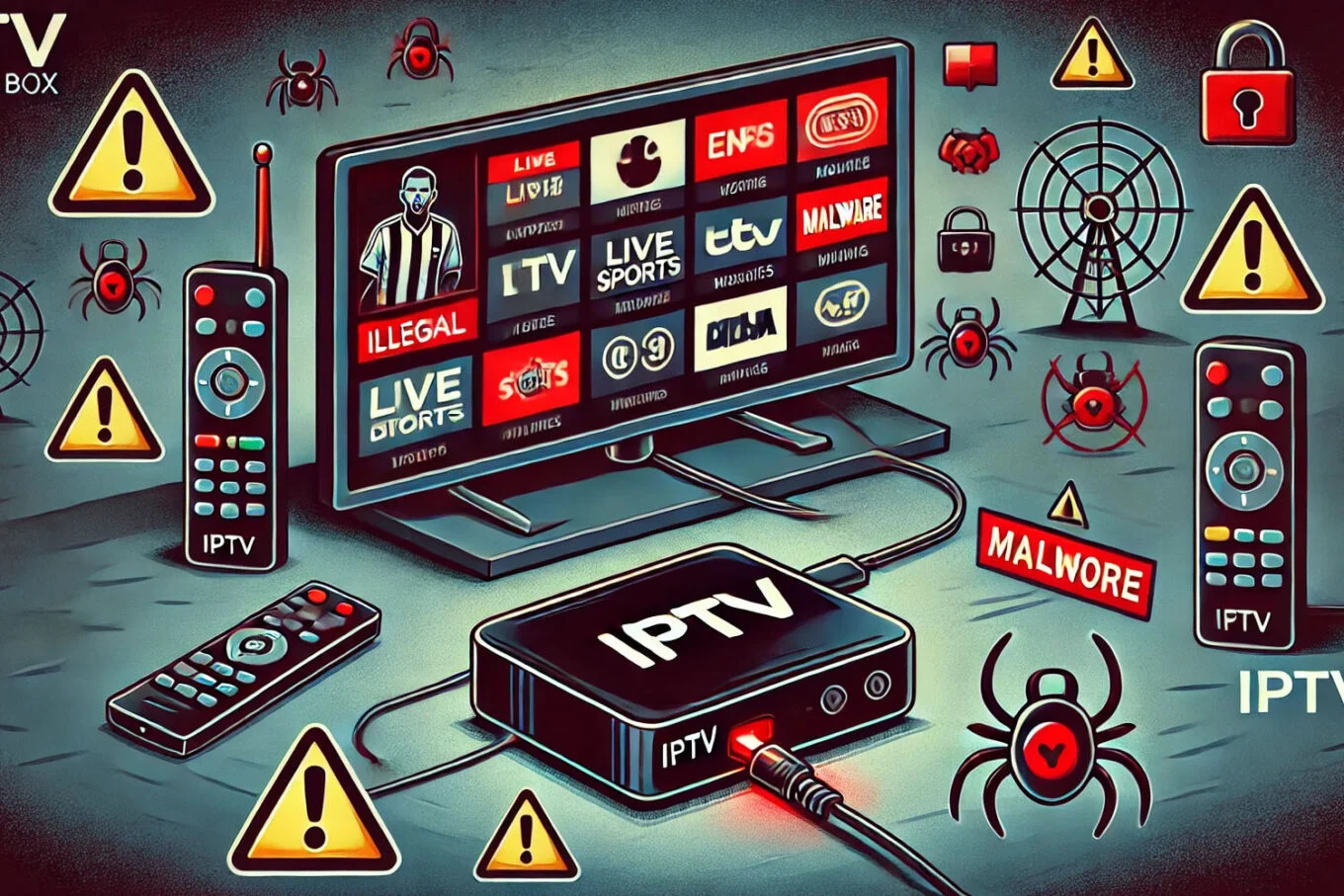
A pirate service may disappear without notice, change domains or stop working during a major live event. Subscribers have little recourse if the seller is anonymous or unreachable. Modified apps and devices from uncertain sources may also request excessive permissions, show intrusive ads or expose account and payment information. ARCOM outlines these concerns in its FAQ on legal offers and piracy.
There can also be legal exposure when someone knowingly accesses protected content retransmitted without permission. Outcomes depend on the facts, each person’s role and applicable law; avoid sweeping claims such as “subscribers can never face consequences” or “all IPTV is illegal.” For a specific situation, consult official information and, if needed, a qualified lawyer. Our guide to legal and illegal IPTV in France covers the basic distinctions.
Where to find authorized services
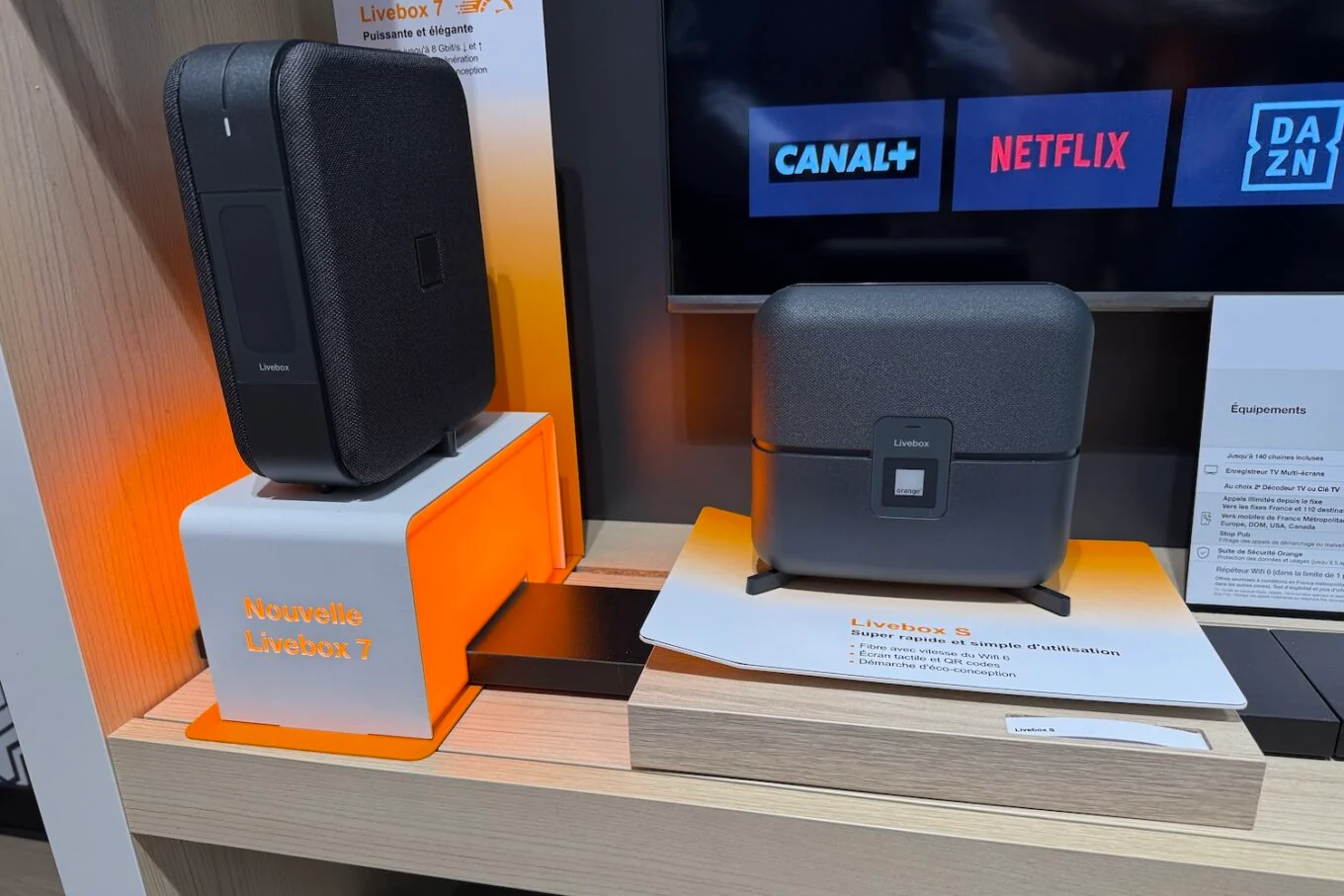
An internet box does not automatically include every channel: the package may depend on your plan, address and optional add-ons. Before comparing, check the provider’s channel list and terms, including the price after any promotion. The same applies to independent apps: being available on a familiar TV or in an app store does not certify the rights for every stream it can play.
TV packages from internet providers, official channel apps and platforms with distribution agreements are easier places to start checking. Review the legal information and terms, then confirm availability in your region: rights vary by programme and territory. ARCOM also maintains a portal to help people find cultural and sports services that respect rights. No device is inherently “legal” or “illegal”; the source and use of the stream matter.
What should you ask the provider?
Ask for the legal name of the business selling the service, contact details and complete subscription terms. Look for a clear explanation of where the channels come from and which territories the distribution rights cover. A seller may not need to publish confidential commercial agreements, but it should explain its role, what the package includes and its limits. A huge channel list or a familiar logo alone does not answer the rights question.
Check the subscription details too: minimum term, automatic renewal, total cost, supported devices, simultaneous connections, out-of-home restrictions, refund policy and how to reach support. Keep a copy of the terms as they stood when you subscribed. For a lawful service, territorial and screen limits can be normal; they often reflect rights negotiated for particular programmes.
Protect your devices and personal information
Install players from the device maker’s official store and keep your TV, streaming box and router updated. Be wary of APK files sent through messaging apps, apps requesting permissions unrelated to video playback, and instructions to disable device protections. Use a unique account password and never post an M3U URL or login details: they may expose your subscription or account information.
If you have already installed questionable software, stop using it, remove it, run the security checks provided by the manufacturer and change any reused passwords. Monitor payments. If you see an unfamiliar charge, contact your bank through its official channels promptly. Avoid paying a supposed “recovery” service that contacts you afterward.
If the service drops or disappears
A one-off outage does not, by itself, prove that a service is unlawful; networks and apps can have technical problems. First check your connection, the official service status and provider notices. But if a company repeatedly changes names or domains, pushes a new payment link, or tells you to bypass a block without explaining its rights, do not follow the new link automatically. Keep receipts and messages, request cancellation in writing, and contact your bank or consumer-protection service if needed.
A checklist before subscribing
Before entering payment details, make sure you can answer: Who takes the payment? Which channels are included, and who authorizes their distribution? In which country and on how many screens will it work? What will you pay after a trial? How do you stop renewal? Where can you contact the seller about an outage or dispute? If the answers are vague or nowhere in writing, take time to compare other services.
Internet television can be convenient and fully lawful. Choose carefully by separating the technology from the content: a polished interface does not tell you who owns the rights, while a transparent service should explain its offer and terms. Check the sources, read the contract and keep a copy of your order. For more selection criteria, see our article on IPTV rules in France.
Ready to enjoy IPTV?