Choosing a Device for IPTV Playback
5 juillet 2026 · 10 min · The IPTV Team
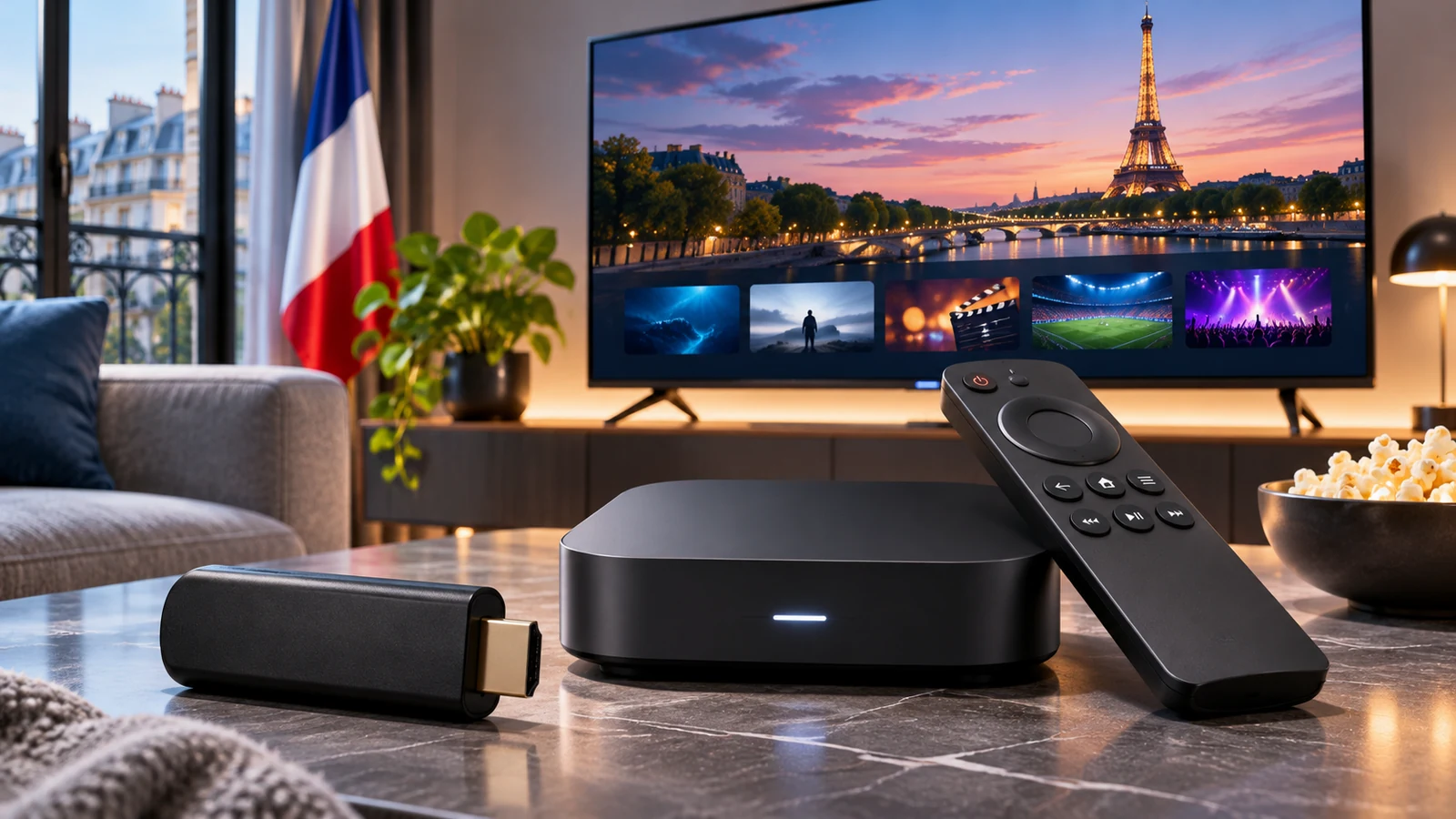
The right playback device depends on your budget, display and the player you plan to use. A Smart TV, streaming stick, set-top box, phone or computer may work only if its operating system and app support the playlist format. Confirm compatibility before buying hardware.
Start with your current equipment
Check your television model, operating system, available storage and app store. If the player you need is not supported, a separate streaming device may be an option—but check its current software support and app availability first. Compatibility can change as manufacturers update or discontinue products.
Features to compare
- App support: confirm that the player is listed for the exact model and region.
- Formats: check supported video codecs, resolution and audio options in official specifications.
- Connection: compare Wi-Fi and Ethernet options for your room.
- Updates: review the manufacturer’s support and security update information.
- Cost: include app fees and any accessories in the total.
Compare without assuming a universal winner
Popular devices from Amazon, Apple, Nvidia, Samsung and LG suit different setups, but product names alone do not establish compatibility or value. Compare current models on the manufacturer’s site and check the IPTV player’s listing. A higher-priced device does not improve the rights or quality of a source stream.
General setup steps
Install the player from the device’s official store where possible. Follow its current instructions to add a playlist or account from a provider you trust. If the app cannot load the source, confirm the format with the provider before changing system settings. For manufacturer information, see Apple Support or Amazon’s device support.
For televisions, review the manufacturer’s published specifications for resolution and HDR support. Actual playback also depends on the programme source and app. Our 4K guide explains the complete playback chain.
Choose for your actual setup
Confirm device and app compatibility, operating system support and any additional costs before purchasing. No device can make an unsupported or unauthorized source work.
Choose devices for your use
The right device depends on your television, operating system and apps available in your region. A smart TV may be enough if its official store offers the desired service and the manufacturer still provides updates. An external box can extend the life of an older screen but adds a remote, settings and sometimes extra cost. Compare specifications on manufacturer pages such as Apple TV or Fire TV before purchasing.
Check resolution, supported codecs, ports, Wi-Fi, storage and software-support period. Similar model names may hide different capabilities. Consider available space and accessibility for everyone who will use the device. Do not buy based on a general promise of ‘every app’: catalogues differ by country and change over time. If possible, buy from a seller that clearly states its return and warranty terms.
A final checklist before deciding
Before subscribing, ask which company takes payment, where its terms are published, what content is covered in which territory, how many devices can play at once, what will be charged after a trial and how to stop renewal. Answers should be verifiable in a contract or official page, not only in an informal chat. For television services distributed in France, ARCOM’s guidance on lawful offers gives general context; review the company’s own terms as well. Consider the practical quality of the experience. Finding a programme, readable menus, profile management and subtitles may matter more than a feature rarely used. If several people share the screen, ask them to try the interface using their usual habits. An accessible, predictable app reduces accidental changes and support requests. Keep a note of when you made the choice and set a reminder before renewal. A periodic review helps adjust the budget when habits, devices or rights change.
A final checklist before deciding
Before subscribing, ask which company takes payment, where its terms are published, what content is covered in which territory, how many devices can play at once, what will be charged after a trial and how to stop renewal. Answers should be verifiable in a contract or official page, not only in an informal chat. For television services distributed in France, ARCOM’s guidance on lawful offers gives general context; review the company’s own terms as well. Consider the practical quality of the experience. Finding a programme, readable menus, profile management and subtitles may matter more than a feature rarely used. If several people share the screen, ask them to try the interface using their usual habits. An accessible, predictable app reduces accidental changes and support requests. Keep a note of when you made the choice and set a reminder before renewal. A periodic review helps adjust the budget when habits, devices or rights change. Before subscribing, ask which company takes payment, where its terms are published, what content is covered in which territory, how many devices can play at once, what will be charged after a trial and how to stop renewal. Answers should be verifiable in a contract or official page, not only in an informal chat. For television services distributed in France, ARCOM’s guidance on lawful offers gives general context; review the company’s own terms as well. Consider the practical quality of the experience. Finding a programme, readable menus, profile management and subtitles may matter more than a feature rarely used. If several people share the screen, ask them to try the interface using their usual habits. An accessible, predictable app reduces accidental changes and support requests. Keep a note of when you made the choice and set a reminder before renewal. A periodic review helps adjust the budget when habits, devices or rights change.
A final checklist before deciding
Before subscribing, ask which company takes payment, where its terms are published, what content is covered in which territory, how many devices can play at once, what will be charged after a trial and how to stop renewal. Answers should be verifiable in a contract or official page, not only in an informal chat. For television services distributed in France, ARCOM’s guidance on lawful offers gives general context; review the company’s own terms as well. Consider the practical quality of the experience. Finding a programme, readable menus, profile management and subtitles may matter more than a feature rarely used. If several people share the screen, ask them to try the interface using their usual habits. An accessible, predictable app reduces accidental changes and support requests. Keep a note of when you made the choice and set a reminder before renewal. A periodic review helps adjust the budget when habits, devices or rights change. Before subscribing, ask which company takes payment, where its terms are published, what content is covered in which territory, how many devices can play at once, what will be charged after a trial and how to stop renewal. Answers should be verifiable in a contract or official page, not only in an informal chat. For television services distributed in France, ARCOM’s guidance on lawful offers gives general context; review the company’s own terms as well. Consider the practical quality of the experience. Finding a programme, readable menus, profile management and subtitles may matter more than a feature rarely used. If several people share the screen, ask them to try the interface using their usual habits. An accessible, predictable app reduces accidental changes and support requests. Keep a note of when you made the choice and set a reminder before renewal. A periodic review helps adjust the budget when habits, devices or rights change.
Ready to enjoy IPTV?