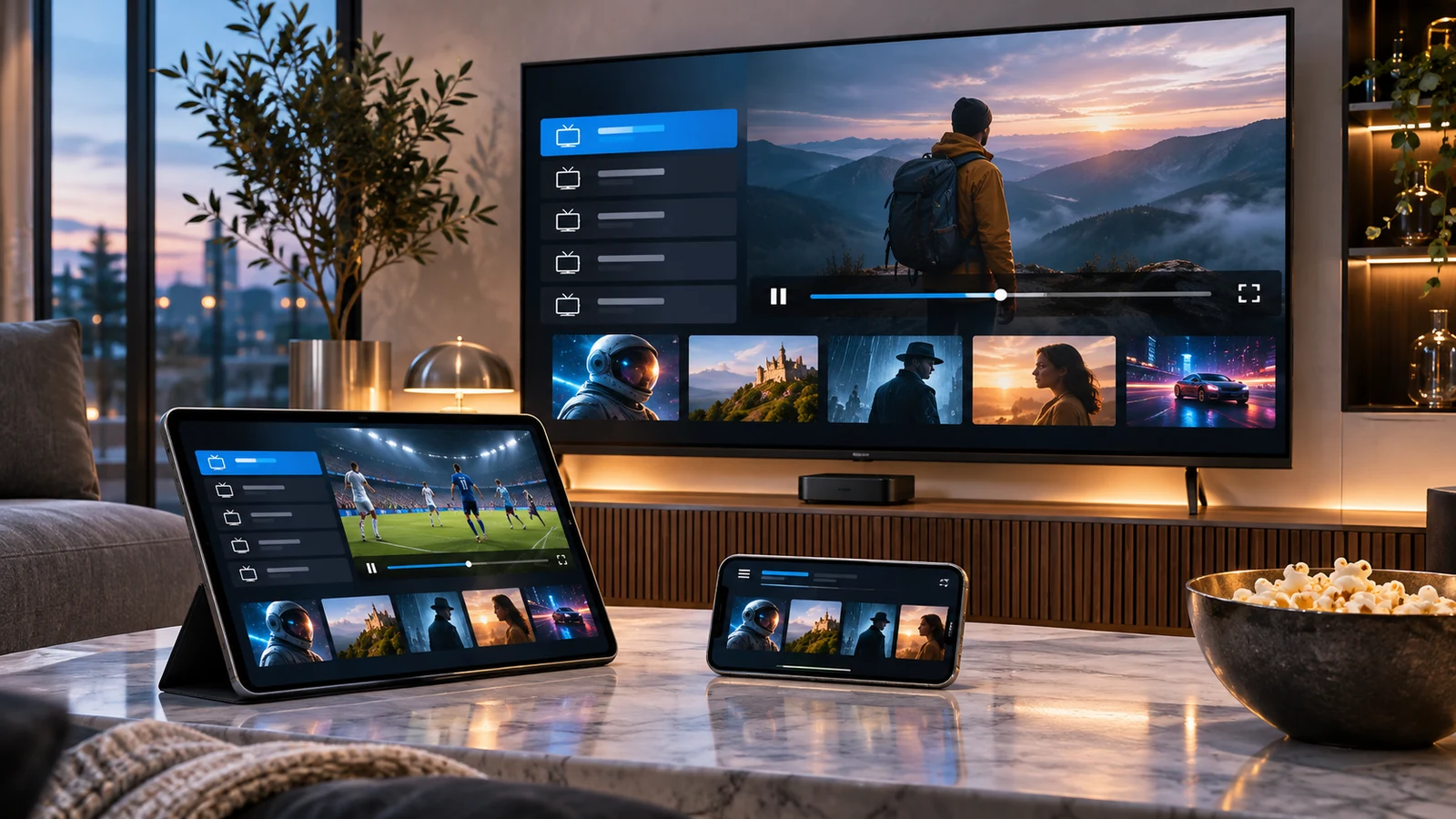
Using an IPTV Player on Apple Devices: What to Check
30 juin 2026 · 8 min · The IPTV Team
Player names and availability change, so start by checking the current App Store listing for your Apple device. Confirm the publisher, supported operating systems, pricing, privacy details and formats before installing. A player displays a compatible source; it does not provide channels or grant permission to watch them.
Check the app’s current listing
If you are looking for SwIPTV Player or another IPTV app, search the App Store on the device you plan to use. An app may be available for iPhone but not Apple TV, or may have different features across versions. Read the publisher’s description rather than assuming that a review written for another device still applies.
Add a playlist carefully
When the app supports your format, follow its documented steps to add the playlist file, URL or account details supplied by your content provider. Do not share a private URL in a forum or with an unknown third-party converter. If you have exposed the link, ask the provider whether it can be revoked or replaced. If the list fails to load, check for typing errors and ask the source provider to confirm access.
Use on Apple TV
Check the tvOS App Store separately for Apple TV support. Do not assume that an iPhone or iPad version can be installed on the television or that favourites and settings will sync between devices. The app publisher’s current support page should explain any cross-device features.
Compatibility, supported formats and app pricing can differ between Apple devices and app releases.
Review privacy and playback options
Read the app’s privacy information and grant only permissions you understand. Resolution, subtitles and guide features depend on the app, device and source stream. A network connection or a newer device cannot add features that the app or source does not support.
To compare other players, check the current listings for each option in your region and read our IPTV app selection guide. Choose based on verified compatibility and terms, not an unsupported claim that one app is best for every Apple device.
Use an Apple player safely
On Apple TV, iPhone or iPad, app availability depends on model, system version and App Store country. Check the publisher listing, update date, in-app purchases and privacy practices before installing. Apple Support helps verify compatibility and device settings. A player displays content obtained elsewhere; it does not determine whether the provider has the required rights.
During setup, use credentials from an identifiable, authorized provider. Do not reuse your email password, and protect playlist links like private account data. Test playback on your home network and compare controls, favourites, accessibility and cross-device syncing. If an app requests permissions that appear unrelated to playback, pause installation and ask its publisher for an explanation.
A final checklist before deciding
Before subscribing, ask which company takes payment, where its terms are published, what content is covered in which territory, how many devices can play at once, what will be charged after a trial and how to stop renewal. Answers should be verifiable in a contract or official page, not only in an informal chat. For television services distributed in France, ARCOM’s guidance on lawful offers gives general context; review the company’s own terms as well. Consider the practical quality of the experience. Finding a programme, readable menus, profile management and subtitles may matter more than a feature rarely used. If several people share the screen, ask them to try the interface using their usual habits. An accessible, predictable app reduces accidental changes and support requests. Keep a note of when you made the choice and set a reminder before renewal. A periodic review helps adjust the budget when habits, devices or rights change.
A final checklist before deciding
Before subscribing, ask which company takes payment, where its terms are published, what content is covered in which territory, how many devices can play at once, what will be charged after a trial and how to stop renewal. Answers should be verifiable in a contract or official page, not only in an informal chat. For television services distributed in France, ARCOM’s guidance on lawful offers gives general context; review the company’s own terms as well. Consider the practical quality of the experience. Finding a programme, readable menus, profile management and subtitles may matter more than a feature rarely used. If several people share the screen, ask them to try the interface using their usual habits. An accessible, predictable app reduces accidental changes and support requests. Keep a note of when you made the choice and set a reminder before renewal. A periodic review helps adjust the budget when habits, devices or rights change. Before subscribing, ask which company takes payment, where its terms are published, what content is covered in which territory, how many devices can play at once, what will be charged after a trial and how to stop renewal. Answers should be verifiable in a contract or official page, not only in an informal chat. For television services distributed in France, ARCOM’s guidance on lawful offers gives general context; review the company’s own terms as well. Consider the practical quality of the experience. Finding a programme, readable menus, profile management and subtitles may matter more than a feature rarely used. If several people share the screen, ask them to try the interface using their usual habits. An accessible, predictable app reduces accidental changes and support requests. Keep a note of when you made the choice and set a reminder before renewal. A periodic review helps adjust the budget when habits, devices or rights change.
A final checklist before deciding
Before subscribing, ask which company takes payment, where its terms are published, what content is covered in which territory, how many devices can play at once, what will be charged after a trial and how to stop renewal. Answers should be verifiable in a contract or official page, not only in an informal chat. For television services distributed in France, ARCOM’s guidance on lawful offers gives general context; review the company’s own terms as well. Consider the practical quality of the experience. Finding a programme, readable menus, profile management and subtitles may matter more than a feature rarely used. If several people share the screen, ask them to try the interface using their usual habits. An accessible, predictable app reduces accidental changes and support requests. Keep a note of when you made the choice and set a reminder before renewal. A periodic review helps adjust the budget when habits, devices or rights change. Before subscribing, ask which company takes payment, where its terms are published, what content is covered in which territory, how many devices can play at once, what will be charged after a trial and how to stop renewal. Answers should be verifiable in a contract or official page, not only in an informal chat. For television services distributed in France, ARCOM’s guidance on lawful offers gives general context; review the company’s own terms as well. Consider the practical quality of the experience. Finding a programme, readable menus, profile management and subtitles may matter more than a feature rarely used. If several people share the screen, ask them to try the interface using their usual habits. An accessible, predictable app reduces accidental changes and support requests. Keep a note of when you made the choice and set a reminder before renewal. A periodic review helps adjust the budget when habits, devices or rights change.
Ready to enjoy IPTV?